Free baby keyboard smash website for laptop, Chromebook & tablet
Looking for a safe baby keyboard smash website, toddler keyboard smash game, or laptop games for toddlers you can open in a browser? Toddler Keyboard Games is a free online collection of baby smash keyboard activities for ages 1–5—bubbles, animals, paint, balloons, ocean friends, calm sensory play, colors, alphabet, and numbers. No download, no signup, and no ads during gameplay. Smash any keys on a Windows laptop, Mac, or Chromebook—or tap on a phone or tablet. Start with our laptop games for toddlers, Chromebook games, or safe keyboard game guides. Questions? Visit About or Contact.
Why parents search for baby smash keyboard games
Toddlers love copying grown-ups on a computer. A real keyboard can close tabs, type into documents, or open apps. A keyboard mash game for babies turns that curiosity into safe cause-and-effect play: every press gets an instant, gentle reaction. Keep sessions short, stay nearby, and use tablet Guided Access or Android screen pinning if you want a stronger lock.
All free toddler smash keyboard games
- Bubble Garden — soft bubbles that pop when you smash keysSafe online bubble pop for toddlers: smash the keyboard on a laptop/Chromebook or tap to pop soft bubbles. Free cause-and-effect bubble game—no download, no signup, no ads during play.
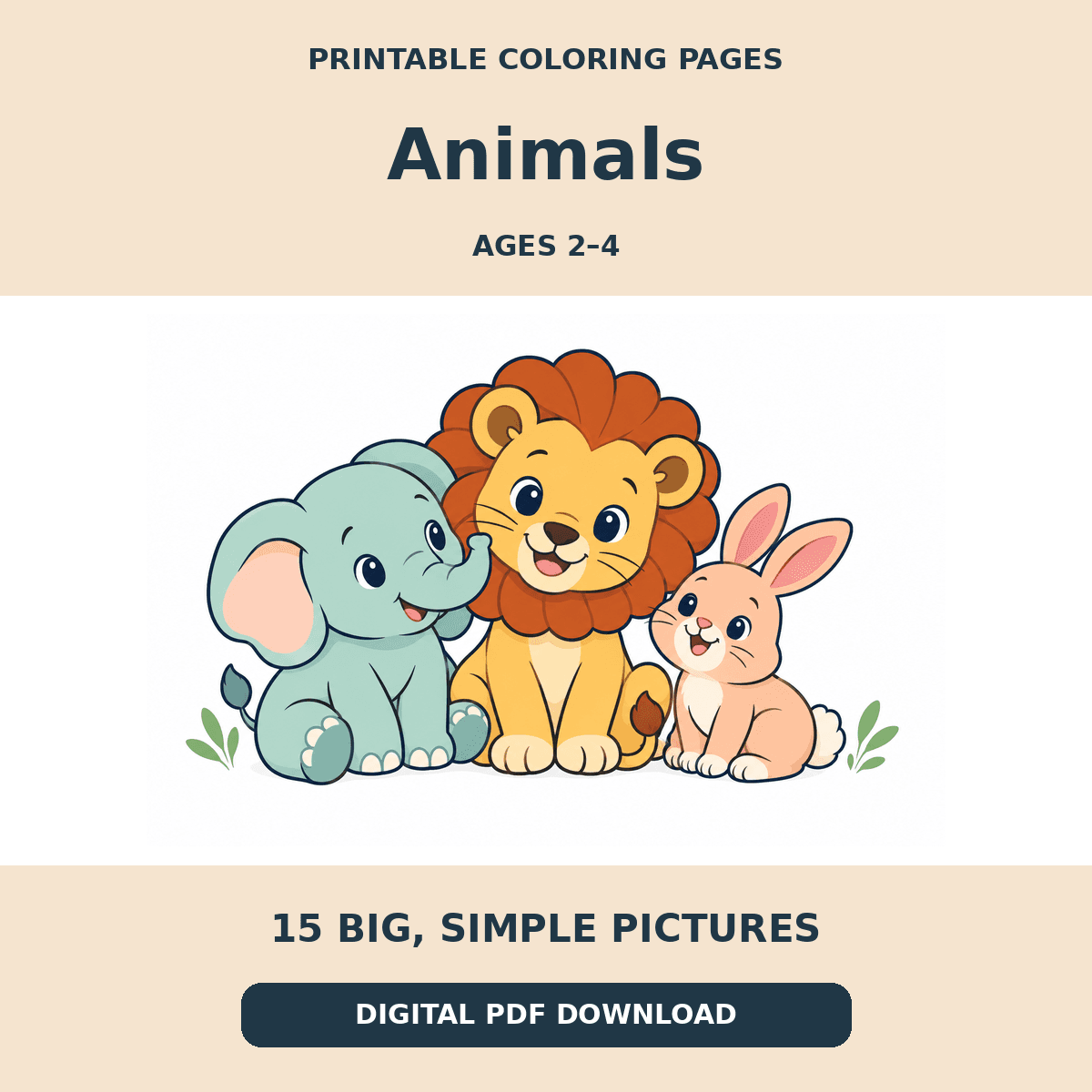
- Animal Parade — mash keys to meet big friendly animalsFree animal game for toddlers: smash keys or tap and cute animals appear with soft sounds. Instant cause-and-effect play on laptop & tablet—no download.
- Paint Splash — smash keys for colorful paint splattersFree toddler paint game: mash laptop keys for colorful splashes or finger-paint on screen. Browser art play—no download, calm sounds, no signup.
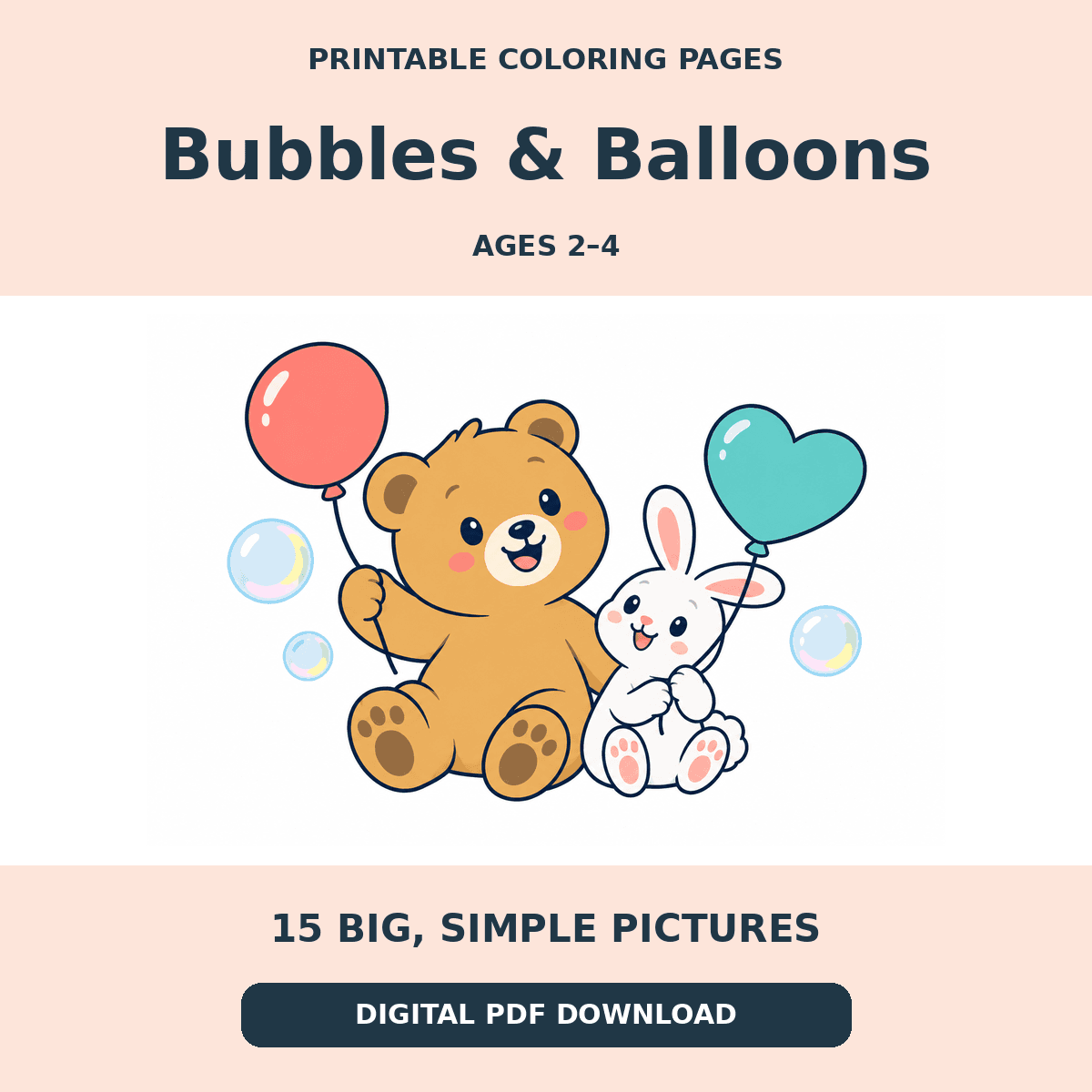
- Balloon Party — smash the keyboard to pop balloonsPop floating balloons by smashing keys or tapping—soft pops and confetti. Free balloon pop for toddlers on laptop, Chromebook & tablet.
- Ocean Explorer — mash keys to splash and meet sea friendsFree underwater toddler game: mash keys or tap for fish, turtles, whales, and soft ocean sounds. Sea-themed cause-and-effect play—no download.
- Starry Night — soft stars for calm keyboard playSoft stars twinkle when toddlers press keys or tap. Free low-stimulation calm game for quiet laptop and tablet play—gentle sounds, no download, no ads in-game.
- Flower Meadow — mash keys to bloom soft flowersFlowers bloom when toddlers smash the keyboard or tap. Free low-stimulation baby garden smash game for laptop—peaceful sounds, no download.
- Soft Clouds — fluff the clouds with every key pressFluffy clouds puff when toddlers press keys or tap. Free quiet cloud game for laptop & tablet—gentle whooshes, low stimulation, no download.
- Color Play — mash keys to discover soft colorsSoft color blobs appear when babies smash the keyboard or tap. Free calm color game for toddlers on laptop—gentle learning, no pressure, no download.
- Alphabet Fun — smash keys to see soft lettersLetters appear when toddlers smash the keyboard. Press A–Z for that letter, or mash any key for a random letter. Free baby ABC smash game online—no reading pressure.
- Number Garden — mash keys to grow soft numbersNumbers 1–10 appear with soft counting dots when babies smash the keyboard. Free toddler counting smash game for laptop—gentle, no pressure, no download.
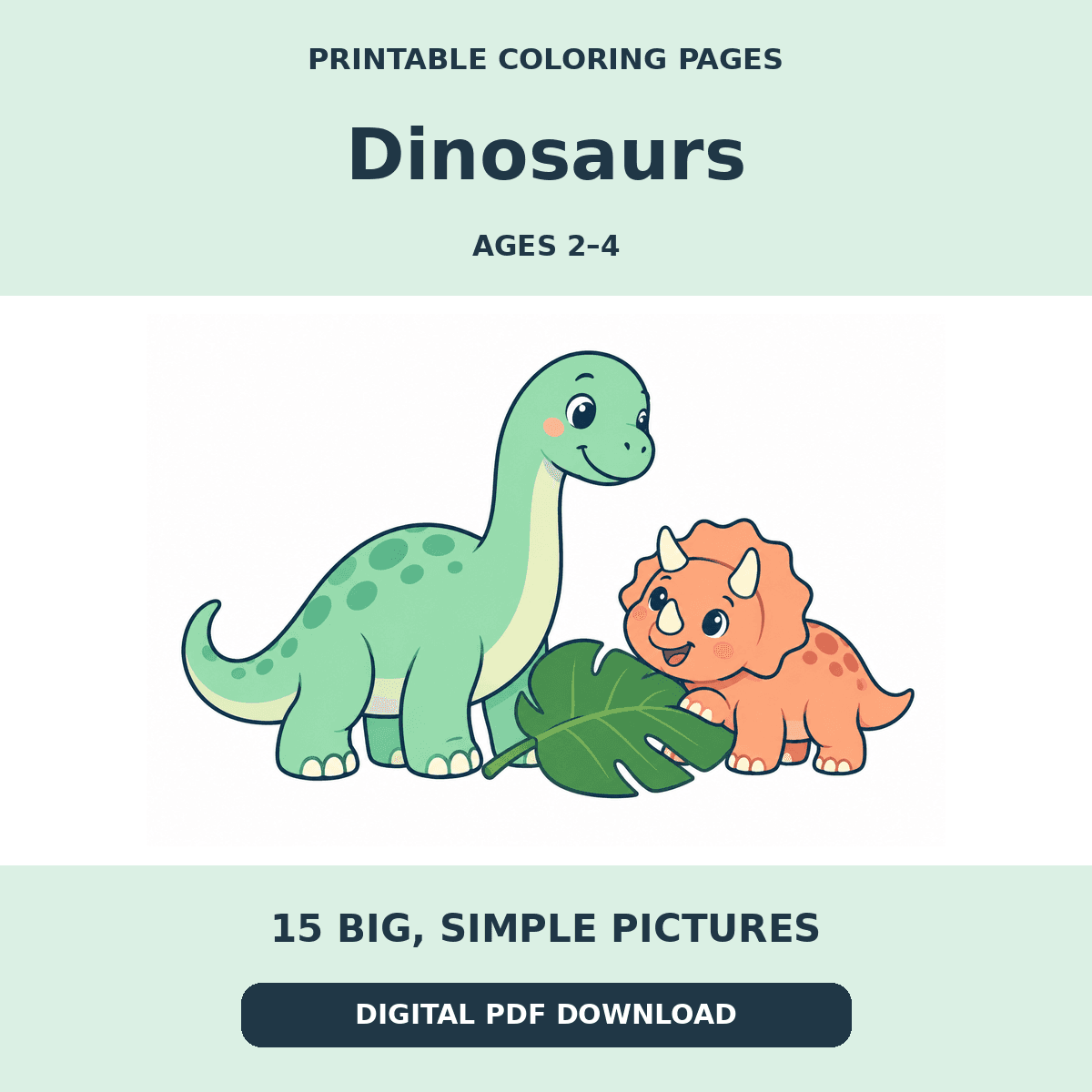
- Dinosaur Park — smash keys to wake friendly dinosaursWake friendly dinosaurs by smashing the keyboard or tapping—T-Rex, Triceratops, Longneck, and more. Free baby keyboard smash dinosaur game for laptop & Chromebook. No download.
- Kind Words — free toddler manners game with soft voice & stickersTeach toddlers polite words online: Hello, Please, Thank you, Sorry, Good morning, Good night, I love you, Let's share, and more. Soft voice + cute stickers. Free, no download, laptop & tablet friendly.
- Firework Sky — smash keys for soft keyboard fireworksFree keyboard fireworks for toddlers: smash any key or tap to launch soft night fireworks. No loud bangs, no download—works on laptop, Chromebook & tablet. No ads during play.
- Puppy Parade — smash keys to meet wiggly puppiesMeet wiggly puppies by smashing the keyboard or tapping—golden, corgi, husky, pug, and more. Free baby keyboard smash puppy game for laptop & Chromebook. No download.
- Magic Mirror Faces — smash keys for silly new facesSmash the keyboard or tap to change silly faces in a magic mirror—happy, wink, surprised, love, and more, with a soft voice naming each mood. Free toddler face game for laptop & tablet. No download.
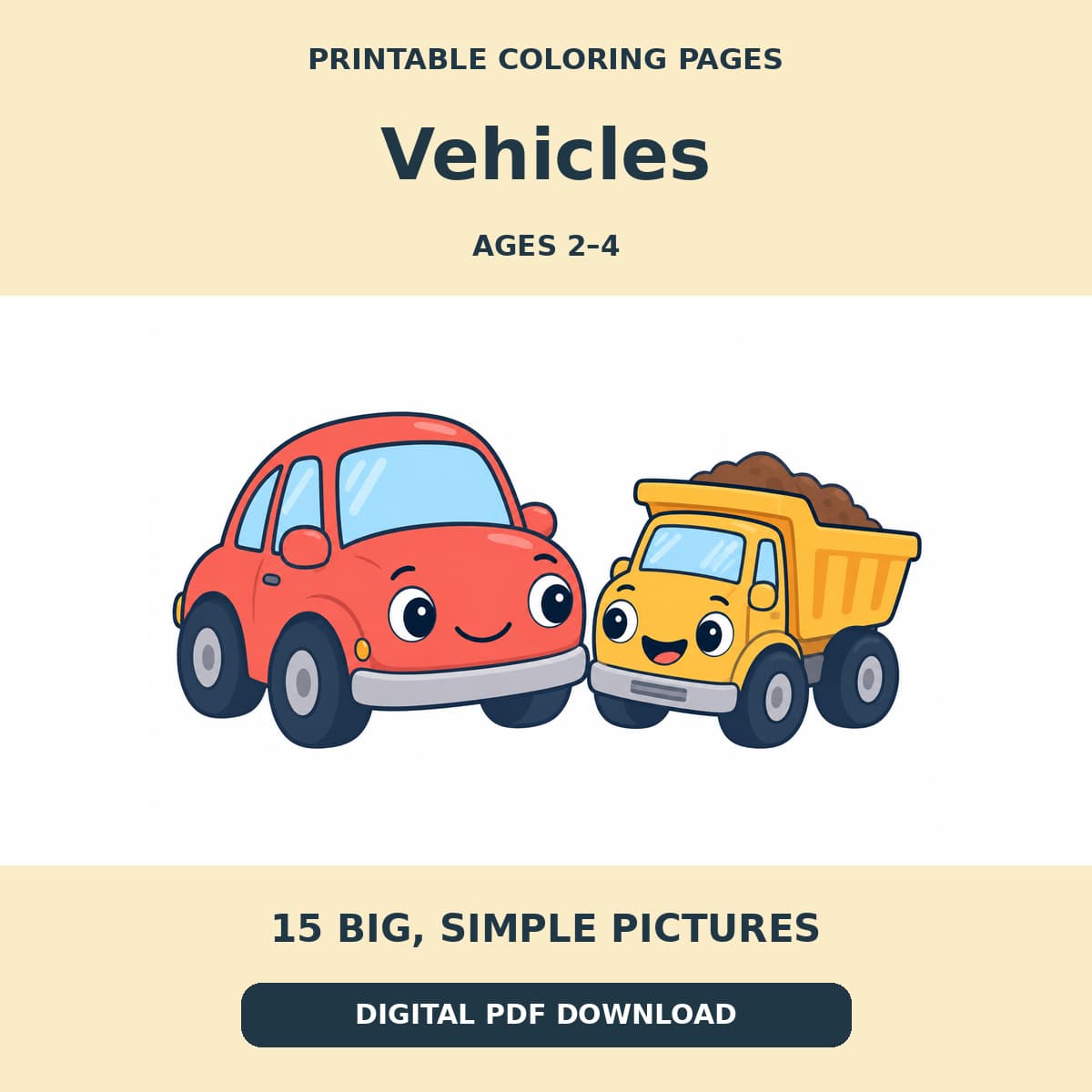
- Vroom Garage — smash keys to hear colorful vehiclesSmash keys to see colorful trucks, cars, buses, and more—with a slow clear voice saying Red truck, Blue plane, and Yellow boat. Free toddler vehicle game. No download.
- Cozy Kitchen — smash keys to name cups, bowls & moreSmash keys to see cups, bowls, plates, ladles, and pots—with a slow voice naming each kitchen word. Free toddler learning game. No download.
- Shape Party — smash keys to hear shapes and colorsSmash keys to see squares, rectangles, triangles, stars, and more—with colors and a slow clear voice. Free shape game for toddlers. No download.
- Nursery Nest — smash keys to hear baby-room wordsSmash keys to see a high chair, bed, sofa, playmat, teddy, and more—with a slow clear voice naming each baby-room word. Free toddler game. No download.
- Pumpkin Smash — soft Halloween pop game for toddlersSoft Halloween keyboard smash for toddlers: pop floating pumpkins, candy, bats, and autumn leaves with every key press or tap. Free, no download, not scary, no ads during play.
- Christmas Lights — soft holiday pop game for toddlersSoft Christmas keyboard smash for toddlers: pop twinkling lights, ornaments, stars, and gifts with every key press or tap. Free, no download, gentle holiday play, no ads during play.
- Rain Puddles — soft rain clouds and gentle splash playFree calm toddler rain game: soft clouds rain while you smash keys or tap for gentle splash sounds. Quiet rainy-day play on laptop & Chromebook—no download, no ads during play.
- Snack Party — smash keys for yummy toddler snacksFree toddler snack game online: smash the keyboard or tap and yummy foods appear—cookie, banana, apple, milk, and more—with soft sounds. Baby food keyboard smash for laptop—no download, no ads during play.
Baby keyboard smash FAQs
- What is a baby keyboard smash game?
- A baby keyboard smash game (also called toddler keyboard smash or keyboard mash) is a simple browser activity where every key press, tap, or click creates an instant visual and sound reaction—bubbles popping, animals jumping, paint splashing—without scores, menus, or reading. Parents open it when a baby or toddler wants to “help” on a laptop keyboard.
- Is this a safe baby keyboard smash website?
- Toddler Keyboard Games is a free, browser-based baby keyboard smash website designed for supervised play. There is no signup, no in-game ads, and no reading required. Gameplay runs fullscreen-style in the browser so little hands stay on colorful cause-and-effect play. For stronger device locking on tablets, parents can also use Guided Access (iPad) or screen pinning (Android).
- Does it work on laptop, Chromebook, Mac, tablet, and phone?
- Yes. Smash any keys on a Windows laptop, Mac, or Chromebook keyboard, or tap the screen on a phone or tablet. These free online toddler games need no download—just open the page in Chrome, Safari, Edge, or Firefox and hand over the device for short, supervised play.
- What age is baby smash keyboard play for?
- Most families use these games with babies and toddlers from about 1 to 5 years old—especially curious one-, two-, and three-year-olds who love pressing buttons. Always supervise screen time and keep sessions short.
- Do I need to download an app?
- No. This is a free online baby keyboard smash experience that runs in your browser. There is nothing to install—ideal when you need a quick, safe keyboard handoff on a work laptop or Chromebook.